

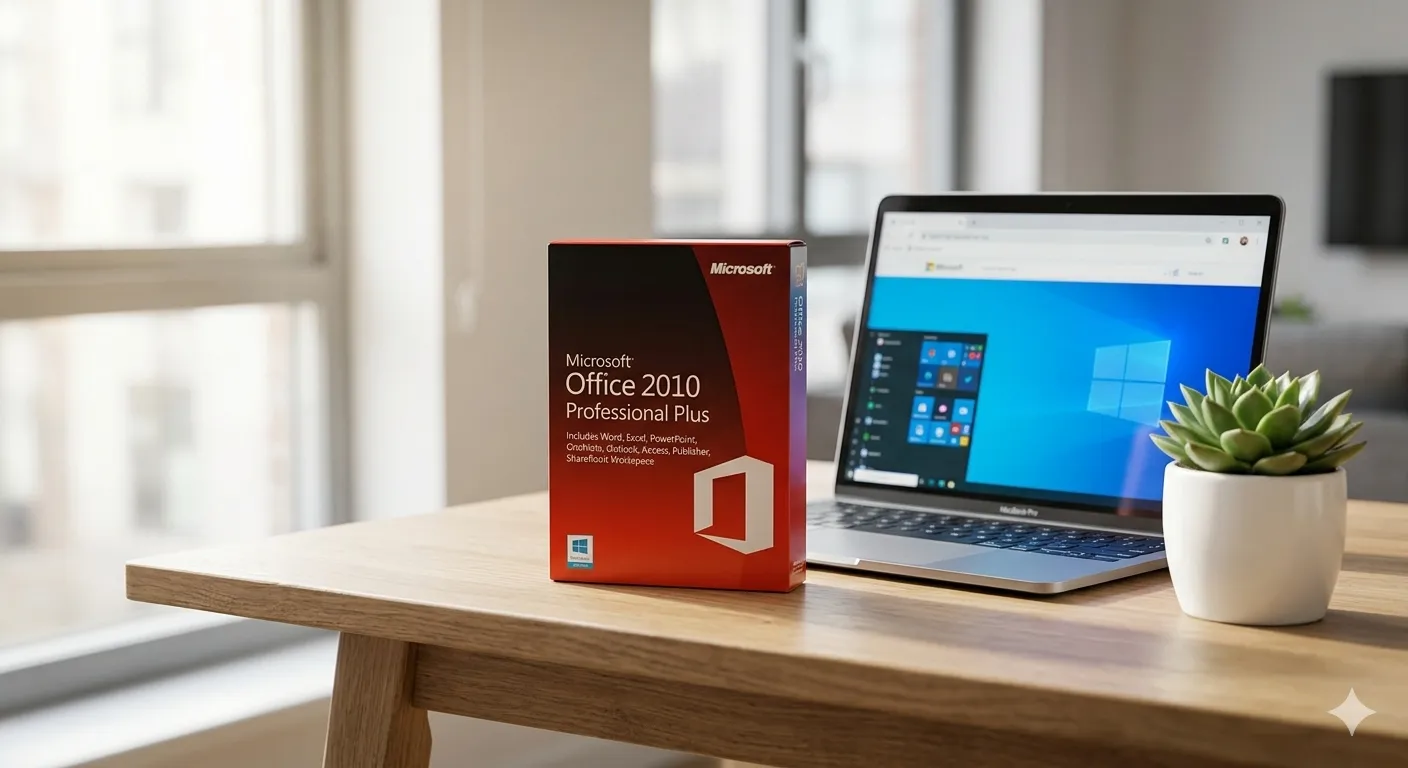
Older software can still matter when a user has a device or work routine built around it. Office 2010 is one example. Many people know its tools and prefer the layout they have used for years. Yet installing an older program needs care. The source matters. So does the licence. Windows users should check the software edition and its support status before they begin. A clear plan can help avoid failed setup steps and reduce the risk of unsafe downloads.
Office 2010 At Work
Office 2010 Professional Plus includes tools for common tasks such as writing reports and managing figures. Word helps create text files. Excel can handle budgets and data sheets. PowerPoint is useful for slide shows. Outlook helps organise email and calendars. These apps may suit users who work with older files or need a familiar layout. However, the software is no longer supported by Microsoft. It does not receive regular security updates. Users should consider this before relying on it for sensitive or online work.
The Key Generator Question
Searches for office 2010 professional plus key generator often come from people who want to activate the program without delay. But key generator files can carry real risks. They may contain malware or unwanted programs. Some can change system settings or expose private data. They may also create codes that fail during activation. A safer option is to use a legitimate licence and follow the official installation process. Avoid tools from unknown sites. A shortcut is not worth putting your files or computer at risk.
Check Your Windows Edition
Office software must work with the Windows version on the device. Before installing it, check the system type and available space. Also make sure that the Office installer matches the computer. Older software may not behave the same on every modern setup. If you use a work PC, then check whether your organisation has its own software rules. It is better to confirm these details first than to remove an existing program later. Keep a backup of important files before making major changes to your system. Check whether the system is 32-bit or 64-bit before downloading any setup file.
Free Keys Need Care
People searching for windows 10 pro key free may hope to find a quick way to activate their PC. Free codes shared on random pages are not always genuine. Some may be blocked or linked to a different edition. Others may lead to fake download buttons. Check the activation status in Windows settings first. A device may already have a digital licence; if it does not, then review Microsoft’s official activation guidance or buy a valid licence from a trusted source. Never share account details with unknown sellers.
Safer Installation Steps
A clean installation starts with a trusted setup file. Use a source you can verify and read the licence terms before you begin. Close open programs and save your work. Keep your product details nearby. Follow each setup prompt and avoid extra downloads that are not part of the installer. Once the program is installed, open each app to check that it works as expected. If an error appears, write down the message. This can help when seeking support and makes it easier to find the right fix. Keep the installer and licence details together, since they may be needed if the program must be set up again.
Protect Older Software
Older programs can create extra security concerns. Office 2010 no longer receives security updates from Microsoft. This means new flaws may remain unfixed. Avoid opening unknown email attachments in an old version of Outlook. Do not use unsupported software to handle private or financial data. Keep a separate backup of important files and use an up-to-date security solution on a supported system. If you need Office for regular online work, then consider a newer supported edition. It may offer a safer long-term setup. Regular backups and a trusted security program help reduce the risk that comes with older software.
Conclusion
Office 2010 may suit some older workflows, but its support has ended. Check compatibility and licence details before installing it. Avoid key generators and unknown downloads that may harm your PC. For software options and product information, visit key-softs.com and review each listing with care. A safe choice begins with clear details and a trusted source.